
Integration with Integrately
The EmailVerify.io integration with Integrately lets you automatically verify email addresses across 1,500+ apps using simple, no-code automation.
Capture leads from forms, CRMs, marketing tools, or spreadsheets and validate every email the moment it enters your workflow. This helps prevent invalid signups, reduce bounce rates, and keep your contact data clean across all your connected applications.
Prerequisites
To get started, ensure you have the following in place:
- An active EmailVerify.io account
- An Integrately account
Step-by-Step Integration Setup
Follow the steps below to connect EmailVerify.io with Integrately and automate email verification across your applications.
Step 1: Sign in and Navigate
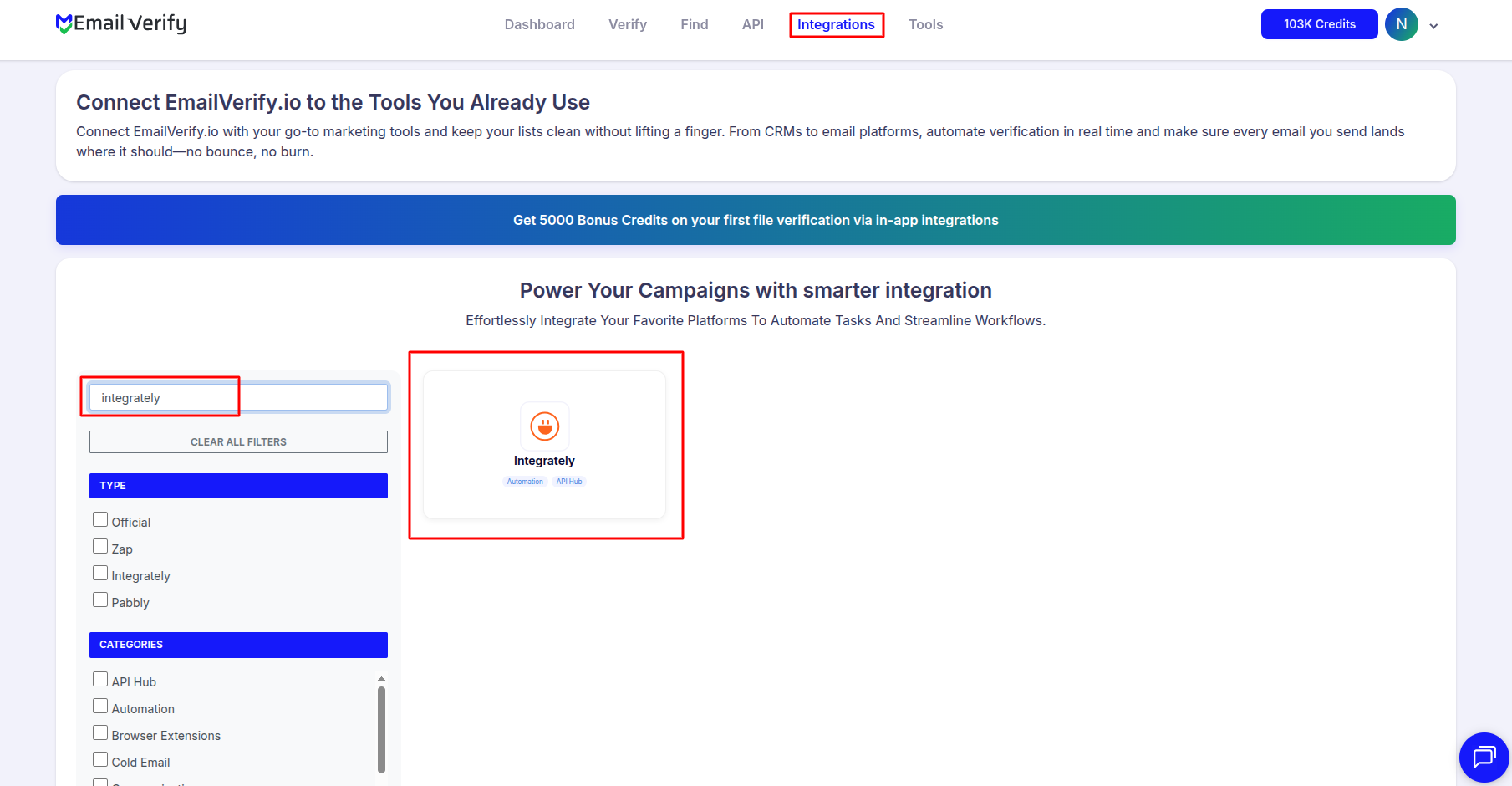
Log in to your EmailVerify.io account. From the dashboard, go to Integrations and search for Integrately. This will take you to the integration setup page.
Step 2: Access the Integration
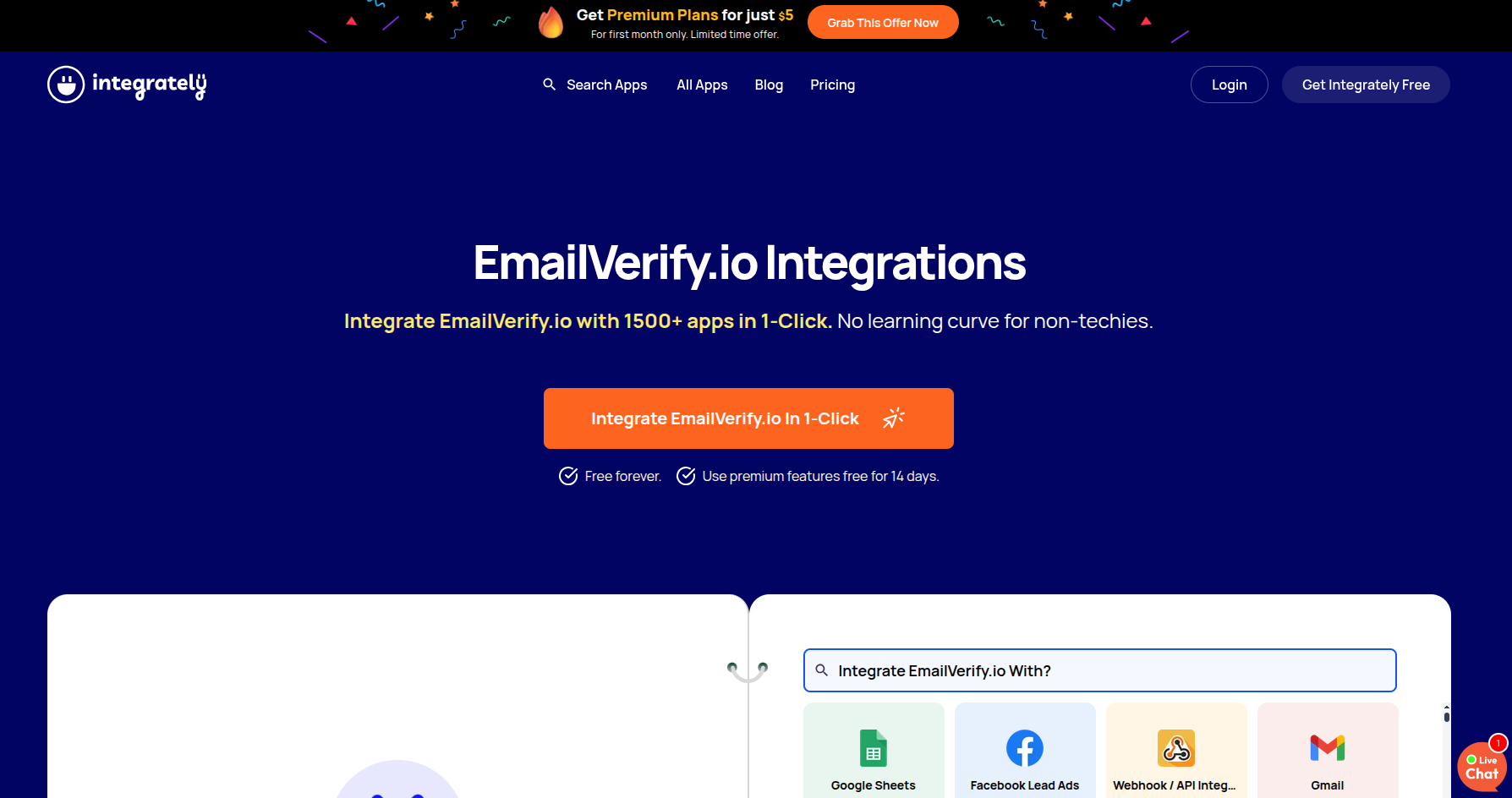
Click on the Integrately card. You’ll be redirected to a dedicated configuration page where you can start connecting your apps.
Step 3: Choose Your Target App
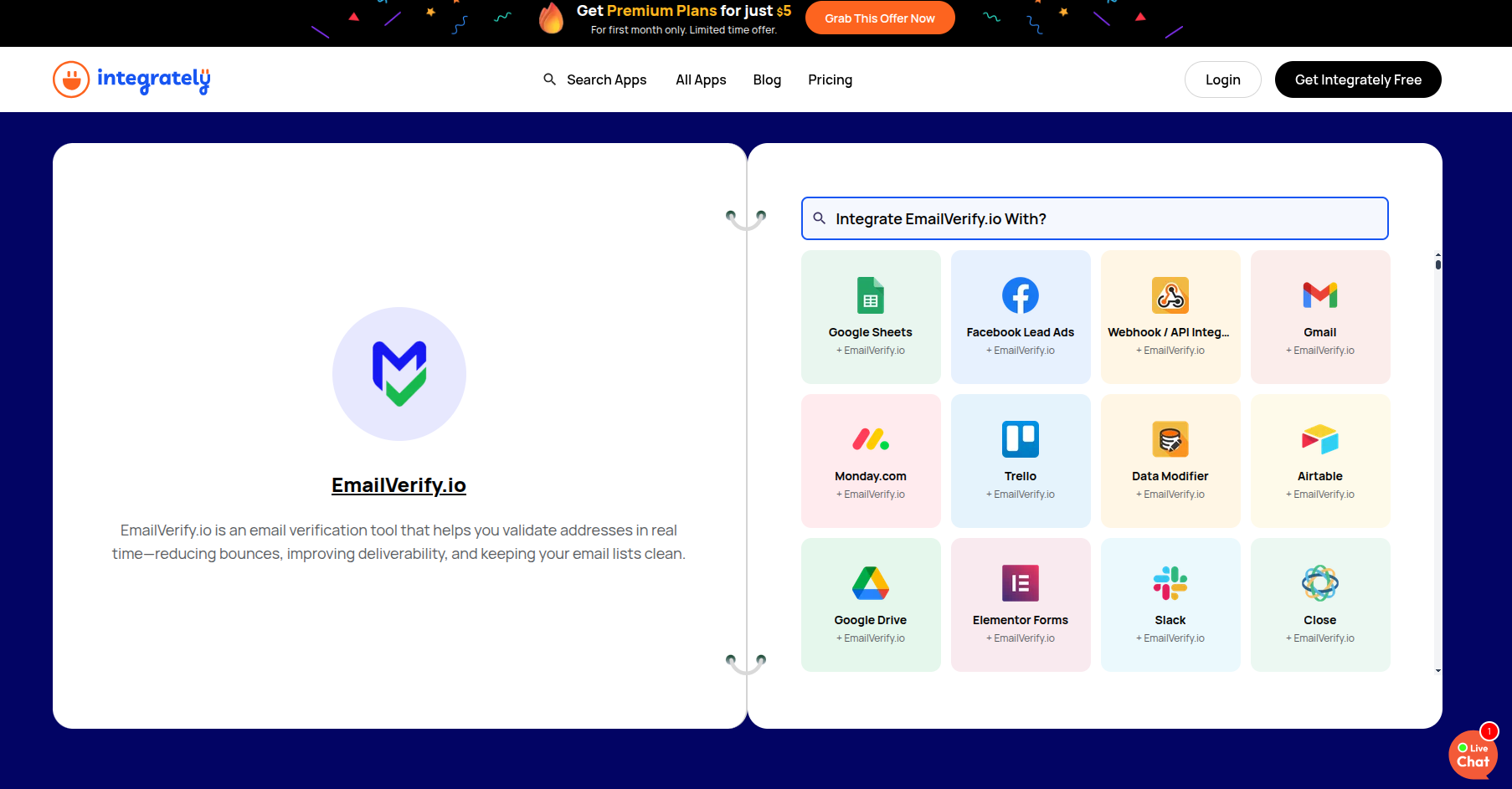
Use the search bar to select the app you want to connect with EmailVerify.io, such as Pipedrive or Mailjet.
Step 4: Launch the Integration
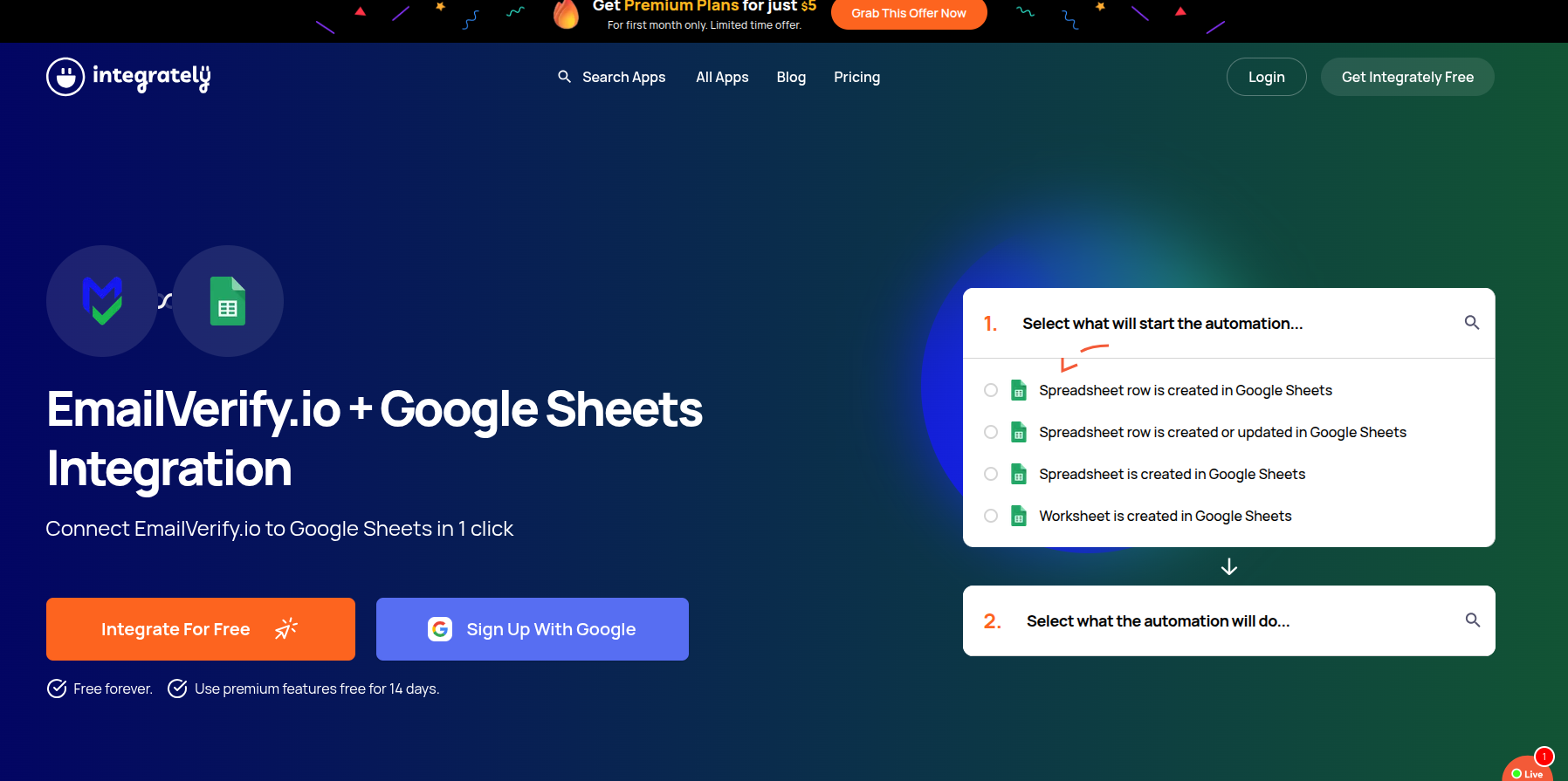
Click "Integrate for Free" to open the integration workflow. This starts the process of linking EmailVerify.io to your chosen app.
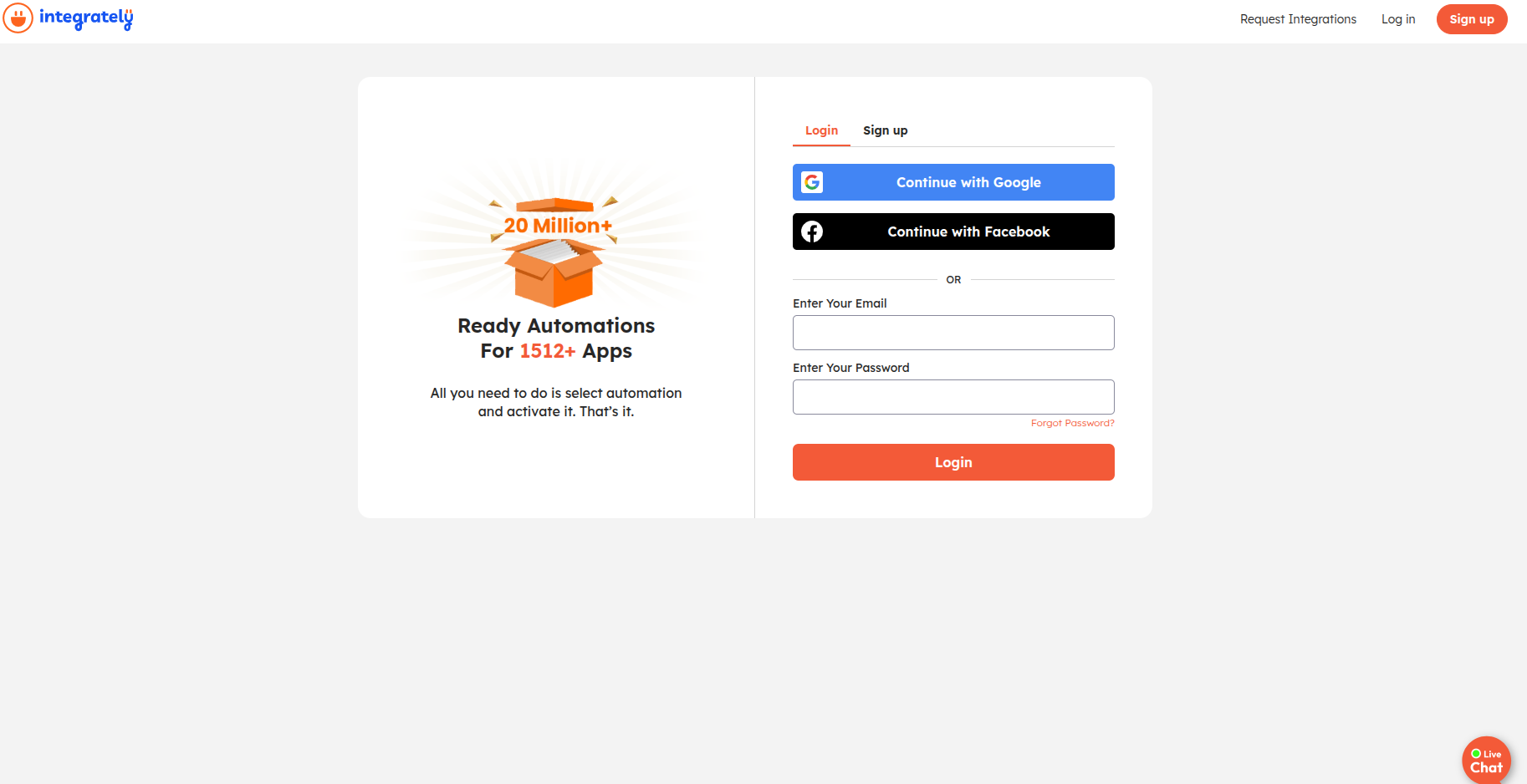
Step 5: Log in to Integrately
Sign in to your existing Integrately account or create a new one if you haven’t used the platform before.
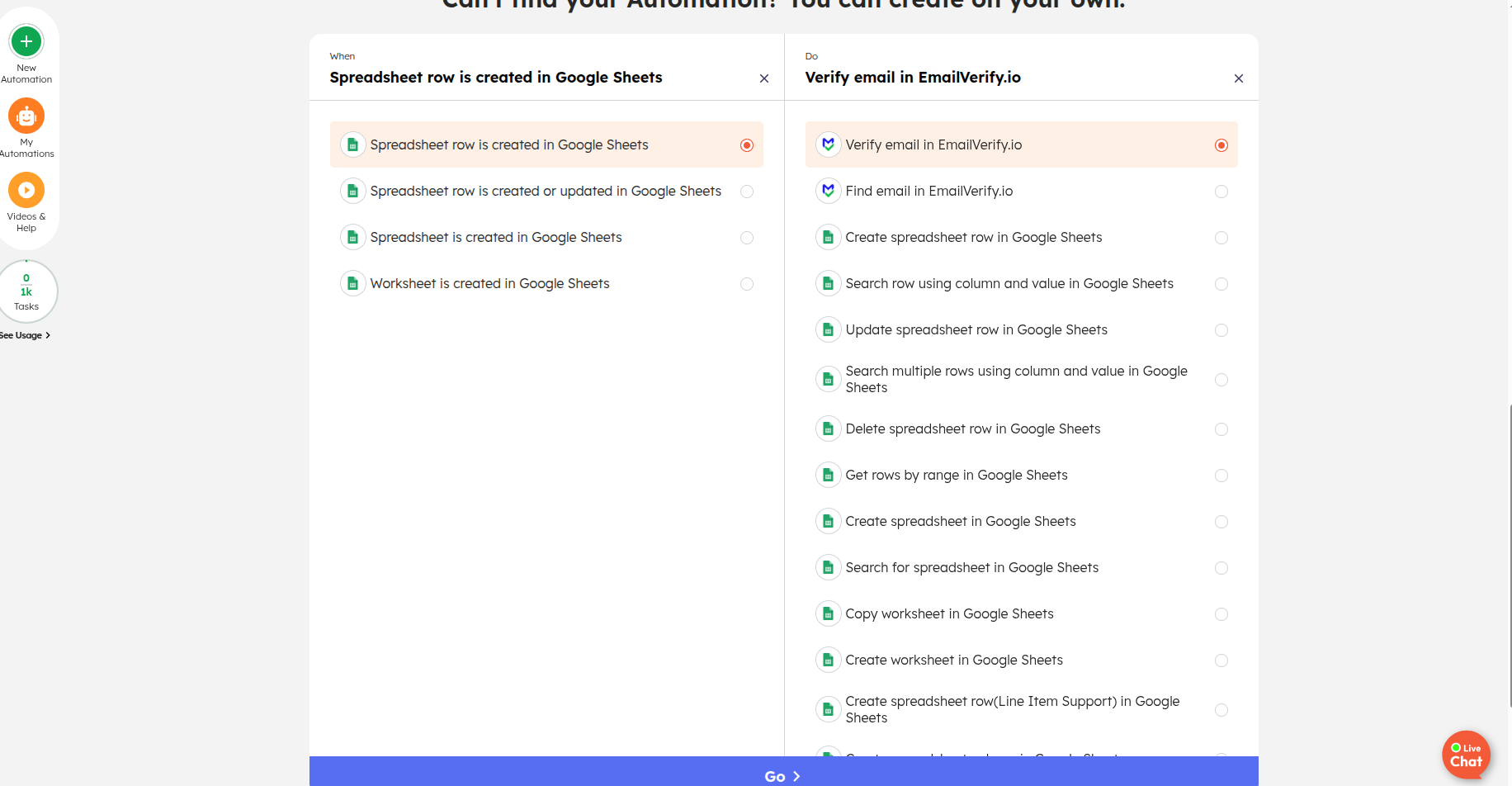
Step 6: Define Your Automation Logic
Scroll down to set up your workflow. Select the Trigger under “When” and choose EmailVerify.io as the Action under "Do." Click Go to save this automation.
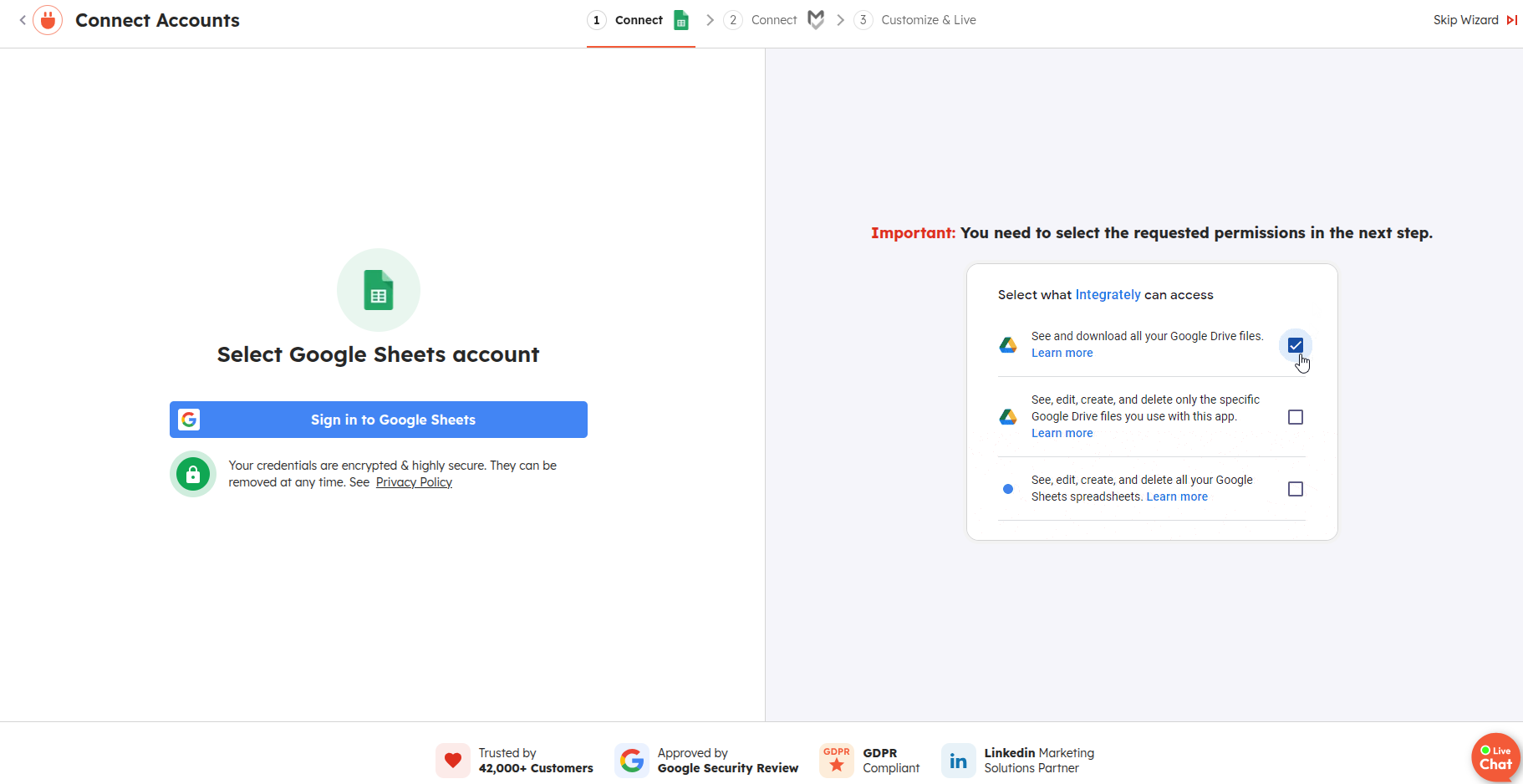
Step 7: Provide App Permissions
When prompted, log in to the target app (like Mailchimp or HubSpot) and grant the necessary permissions to let Integrately sync data.
Once completed, your workflow will automatically verify new email addresses as they are captured, keeping your data clean and reliable across all connected apps.
Troubleshooting & Tips
Keep these pointers in mind for smooth automation:
- Confirm that your trigger app is correctly mapped to the email fields.
- Ensure the correct action (EmailVerify.io) is selected for verification.
- Verify all connected apps have authorized permissions.
- Test your workflow with sample data before full-scale automation.
- Monitor credit usage in EmailVerify.io as every verification consumes one credit.
Next Steps
Keep Your Workflows Clean and Accurate
Use EmailVerify.io with Integrately to validate emails in real-time and prevent invalid addresses from reaching your CRM or ESP.