Connect EmailVerify to 1,000+ Apps via Pabbly Connect
Pabbly Connect is a no-code automation platform with a one-time payment model — no monthly subscription fees. Connect EmailVerify.io to 1,000+ apps like Google Sheets, HubSpot, and WooCommerce to automatically validate every email the moment it enters your workflow. Use the EV_Status field with Pabbly’s built-in Filter step to route only ‘valid’ contacts forward, protecting your sender reputation without writing a single line of code. Start free →


Quick Summary: Pabbly Email Verification Integration
- What it does: Automatically validates every email entering your workflow via 1,000+ connected apps
- Best for: Teams that want no-code automation with Pabbly's one-time lifetime deal pricing
- Key output: EV_Status field (valid / invalid / unknown) plus EV_Substatus for detailed routing
- Pabbly plan note: Filter step for routing by EV_Status requires a Pabbly paid plan
- Free to start: EmailVerify.io offers a free trial — see <a href='https://emailverify.io/pricing/' target='_blank' class='text-[#1519FA] hover:underline'>pricing</a>
How to use the Pabbly Connect integration
Follow these simple steps to start validating your emails using Pabbly Connect. You can explore our integration directly at https://www.pabbly.com/connect/integrations/emailverify-io/.
Step 1: Sign in and Navigate
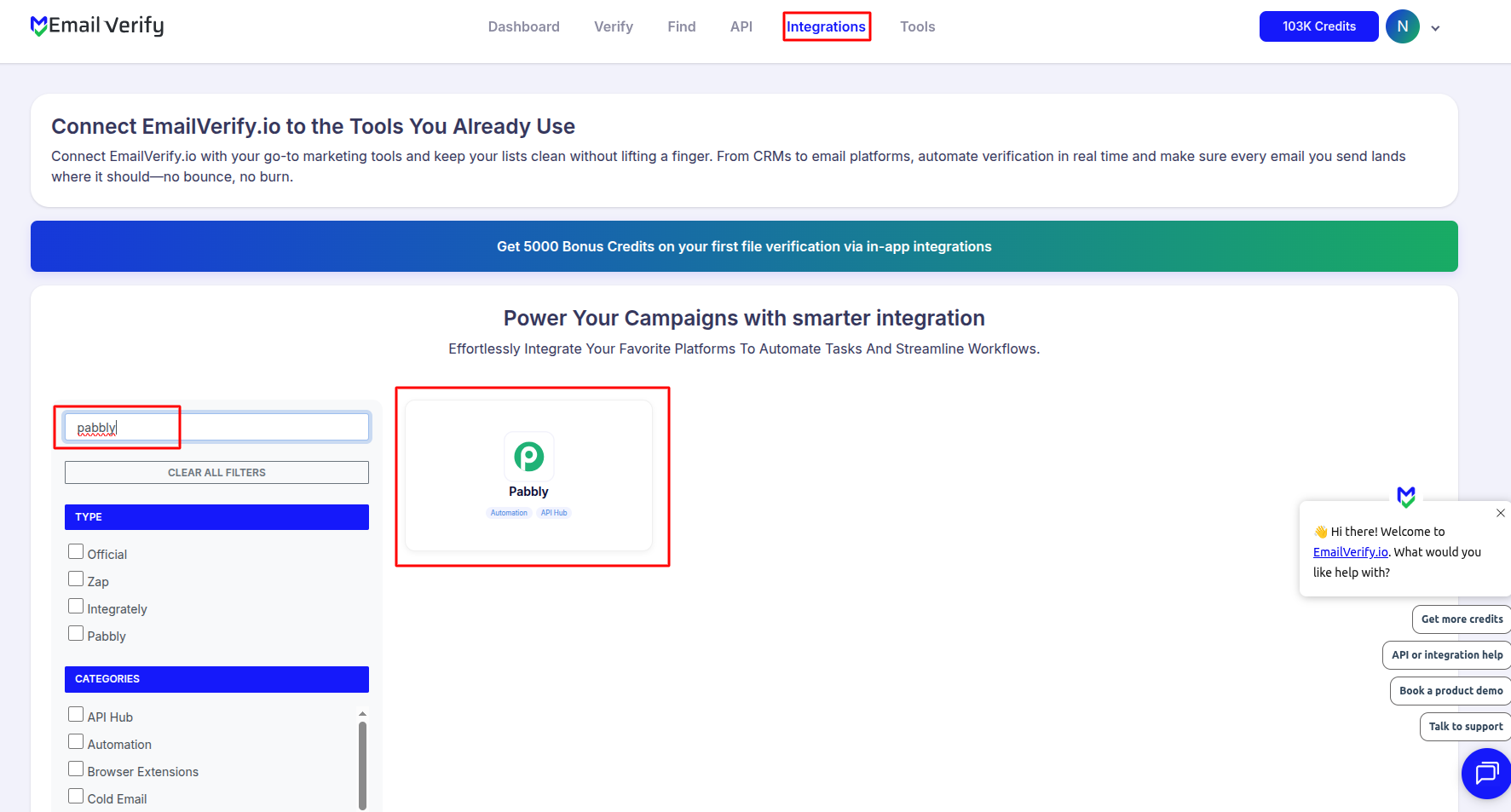
Step 2: Choose Your App
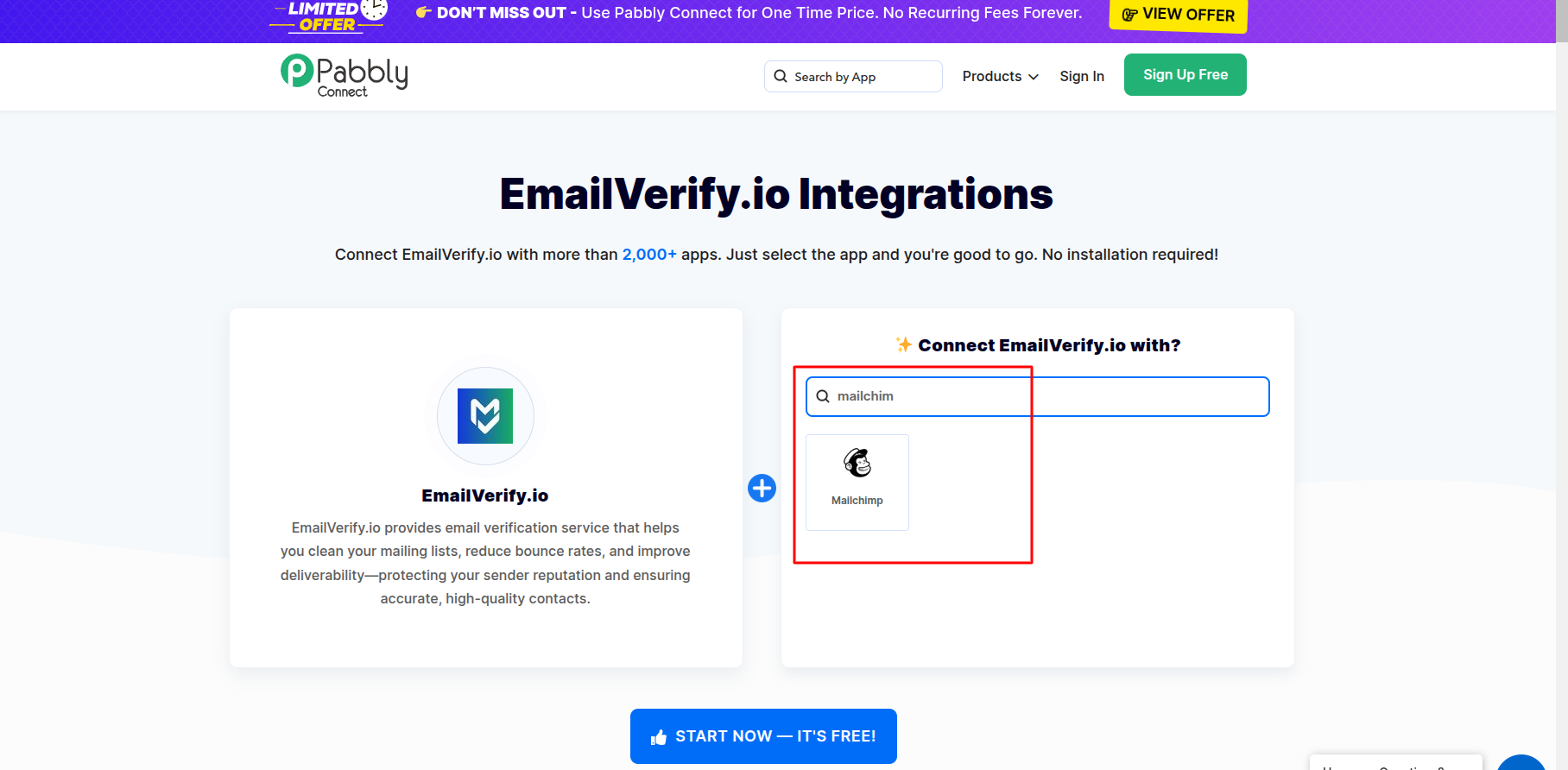
Step 3: Start Your Integration
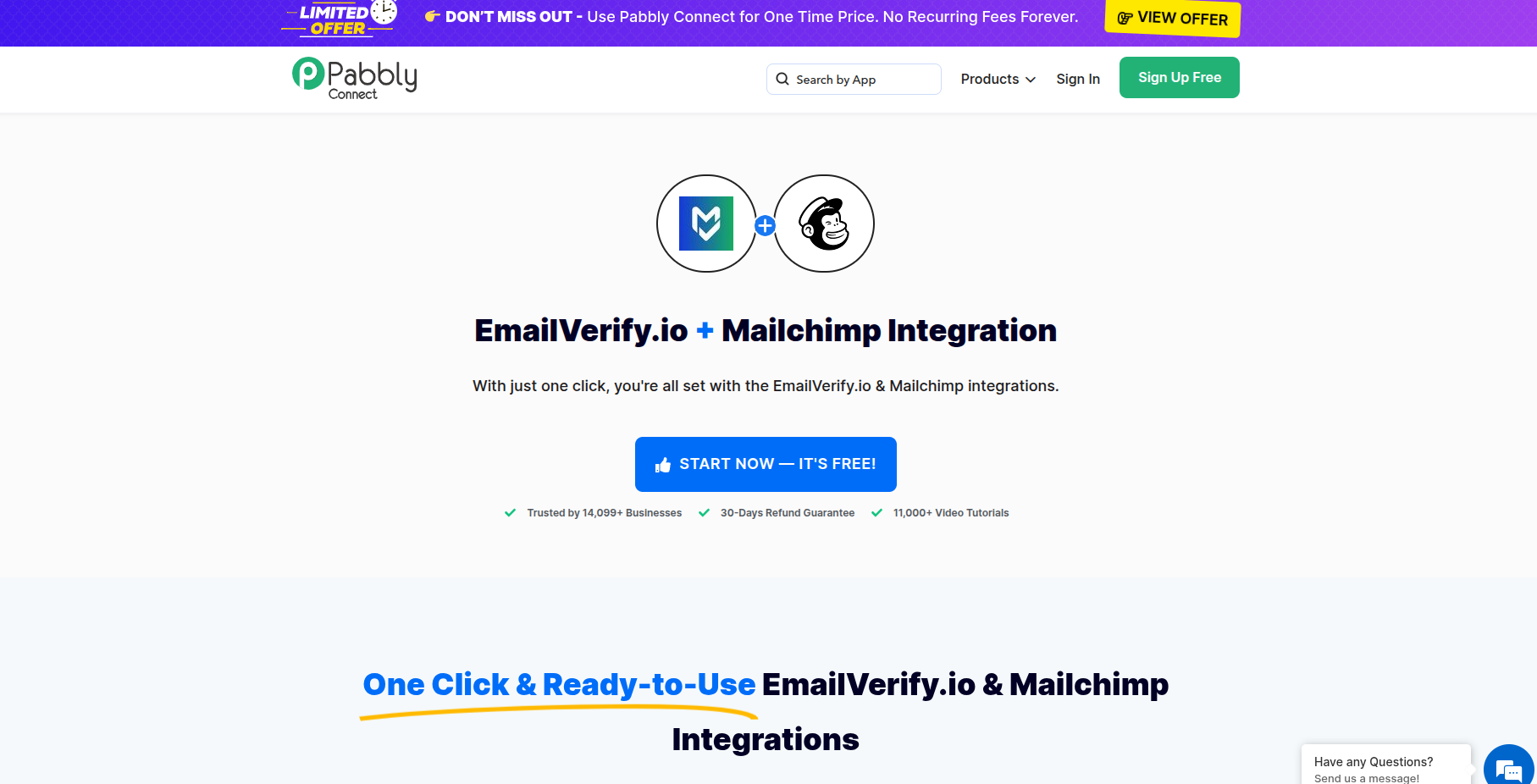
Step 4: Create or Log into Pabbly
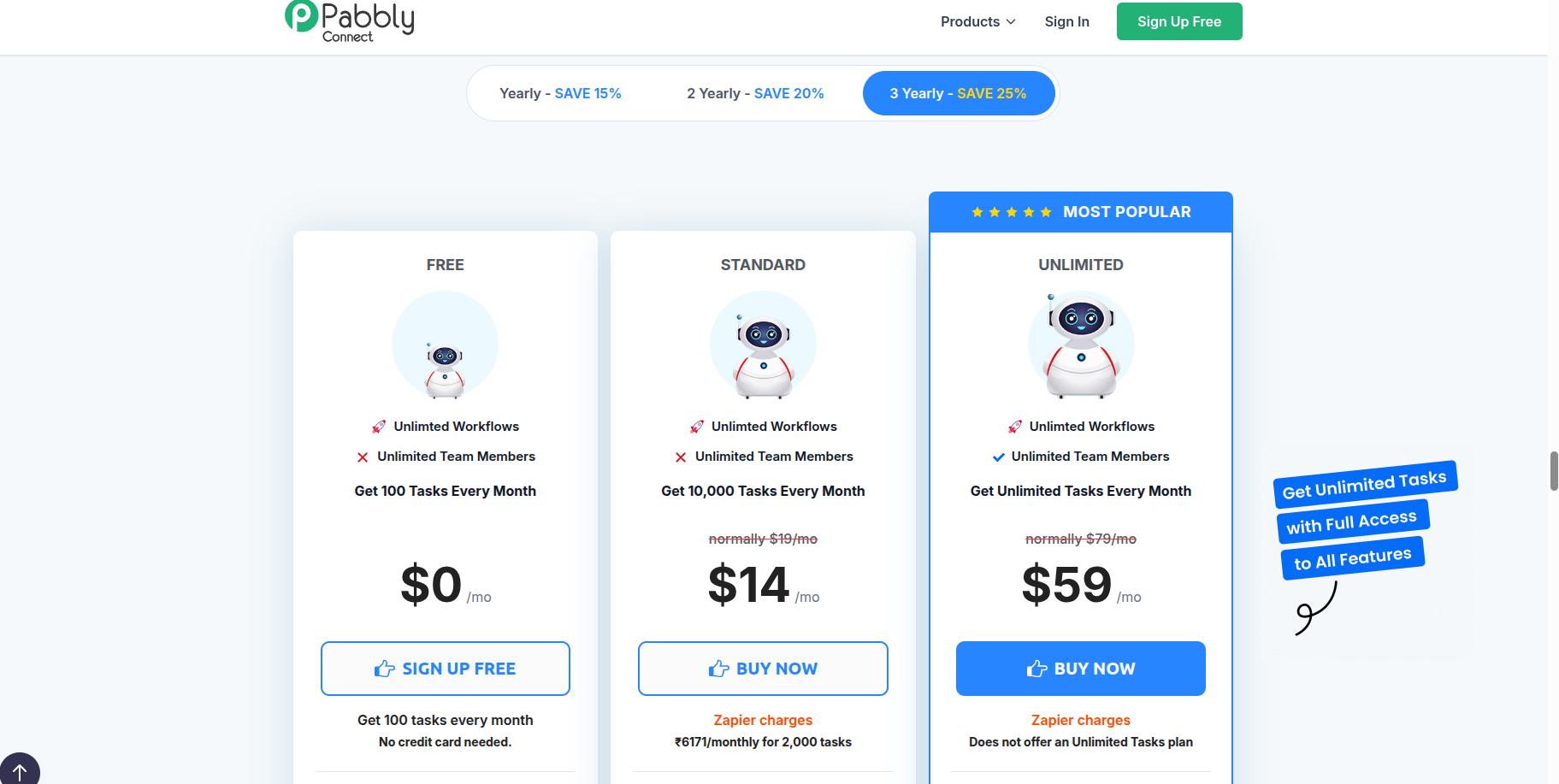
Step 5: Access Pabbly Connect
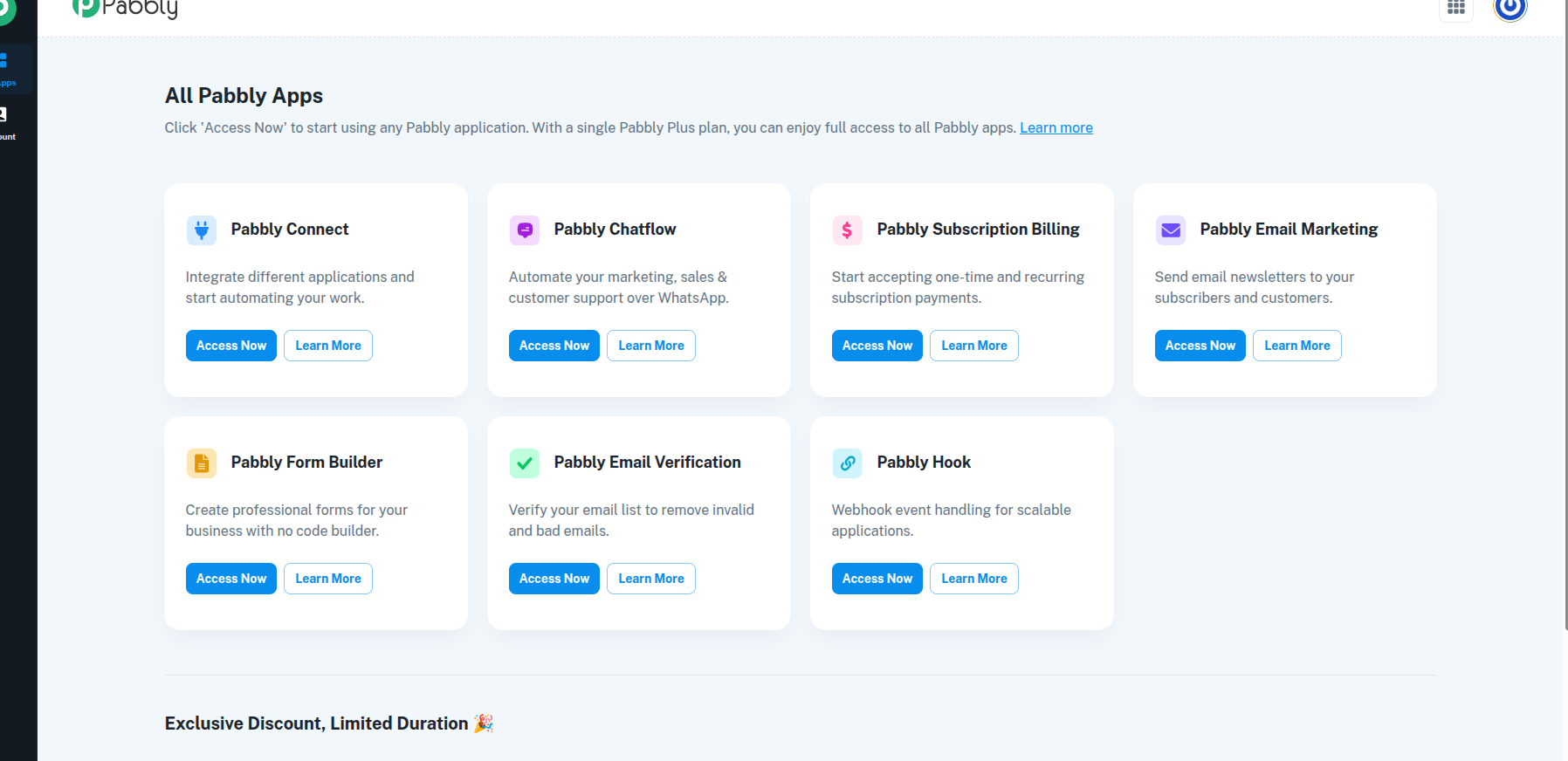
Step 6: Create a Workflow
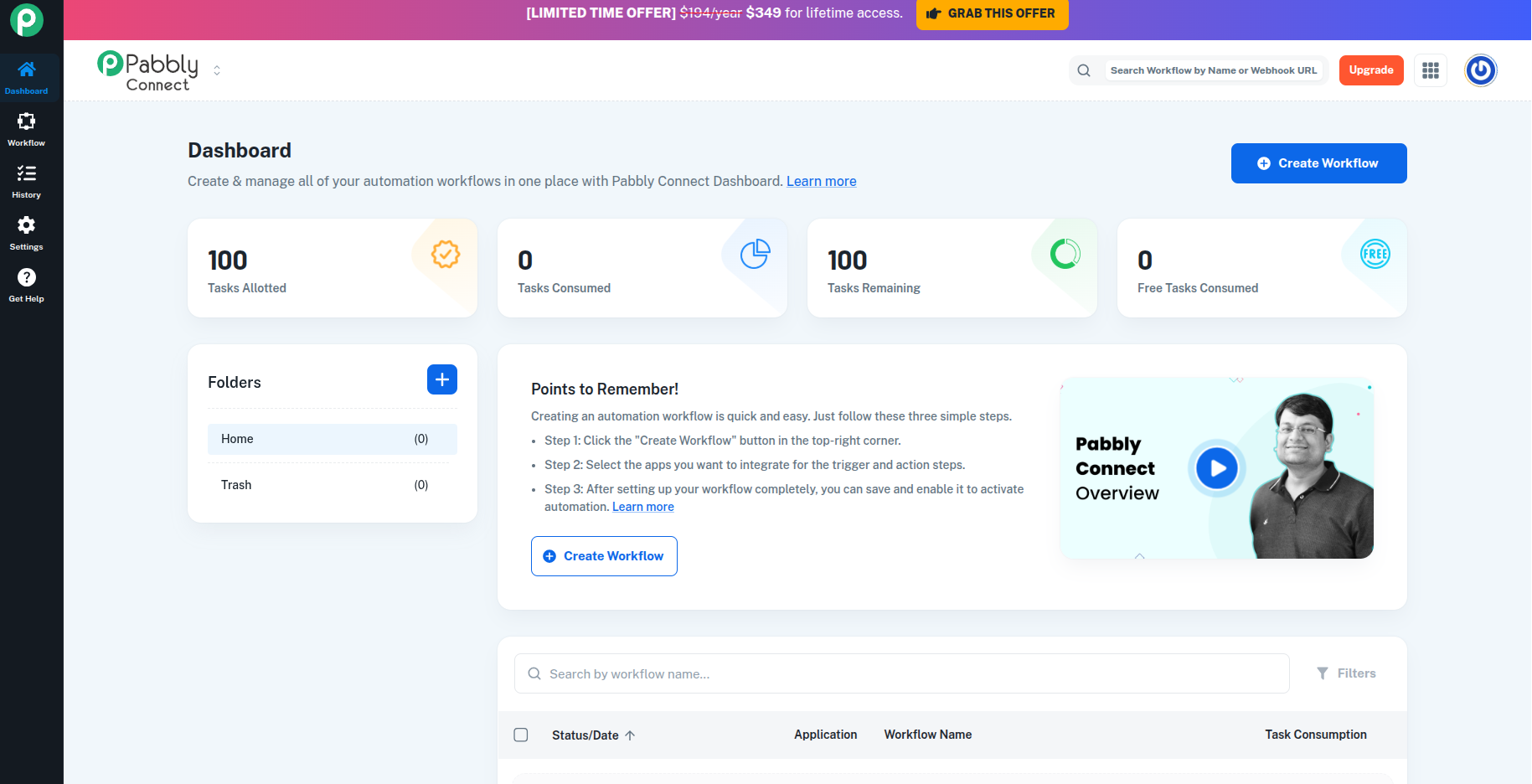
Step 7: Configure Triggers and Actions
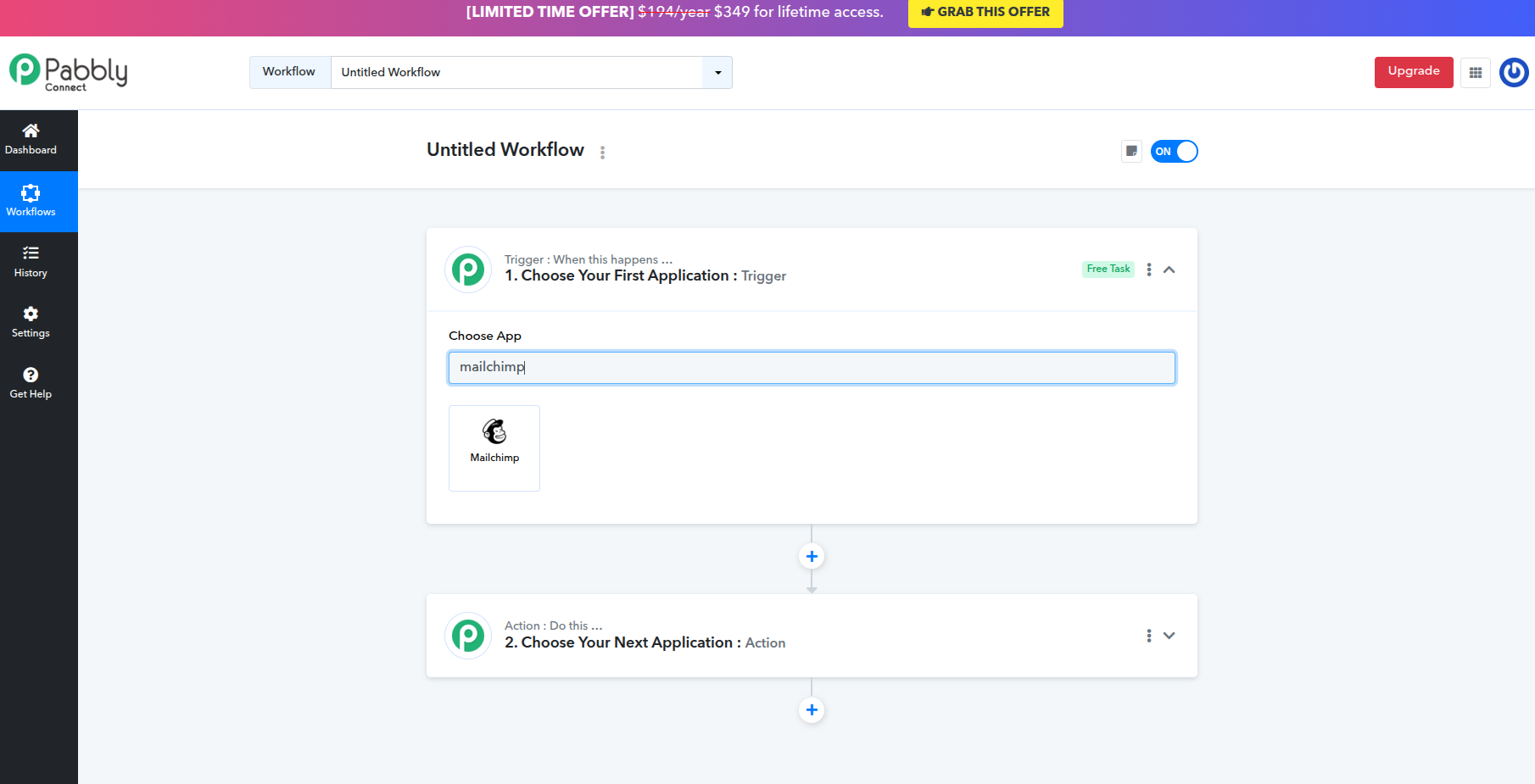
Pabbly Connect Integration Key Features
Optimize your business processes by bridging EmailVerify.io with your entire tech stack using Pabbly’s cost-effective and unlimited automation engine.
1,000+ App Integrations
Connect EmailVerify.io to 1,000+ applications, from lead capture forms to e-commerce platforms and CRM databases.
Real-Time Validation
Trigger a validation check the instant a new email is captured in your workflow.
Unlimited Workflows
Build unlimited multi-step automation sequences on Pabbly’s paid plans to manage your email data hygiene at scale.
Detailed Results Mapping
Sync verification results like Status (Valid/Invalid) and Substatus directly into your CRM or Sheets.
Advanced Filtering
Use Pabbly's internal filters to only process 'Valid' contacts, saving time and resources.
No-Code Interface
Completely visual drag-and-drop builder designed for marketers and sales teams.
Who Uses the Pabbly Connect + EmailVerify.io Integration?
Small Businesses
Pabbly's one-time payment model makes it the most cost-effective way for small businesses to automate email validation across their entire toolset without recurring fees.
E-commerce Teams
Connect WooCommerce or Shopify order forms to EmailVerify.io via Pabbly to validate customer emails at the point of purchase and reduce failed delivery notifications.
Marketing Agencies
Manage multiple client workflows from a single Pabbly account. Validate leads from any form, CRM, or ad platform and keep every client list clean automatically.
No-Code Founders
Build complete lead qualification pipelines without developers. Capture, verify, filter, and route contacts entirely within Pabbly's visual workflow builder.
Lead Generation Teams
Validate every inbound lead before it reaches your CRM or outreach tool, ensuring your sales team only works with reachable, deliverable contacts.
Technical Questions: Pabbly Connect + EmailVerify.io
What fields does EmailVerify.io return in a Pabbly workflow?
EmailVerify.io returns three key fields you can map in Pabbly: EV_Status (valid, invalid, or unknown), EV_Substatus (detailed reason such as mailbox_full or role_address), and EV_Score (a confidence score). Use these fields in Pabbly's Filter step to build precise routing logic.
How do I use Pabbly's Filter step with EmailVerify.io?
After the EmailVerify.io action runs in your workflow, add a Filter step. Set the condition: EV_Status → Text Equals → valid. Only contacts that pass this check will continue to the next action (such as adding to HubSpot or sending a welcome email). Contacts returning 'invalid' or 'unknown' stop there.
Is Pabbly Connect cheaper than Zapier for email verification?
Yes, significantly. Pabbly Connect offers a one-time lifetime deal — you pay once and run unlimited workflows with no monthly cap. Zapier charges a monthly subscription and limits the number of tasks per month. For teams that run high-volume validation workflows, Pabbly's pricing model delivers a much lower total cost of ownership.
Also integrate with Zapier Email Verification Integration , HubSpot Email Verification Integration , ActiveCampaign Email Verification Integration , All EmailVerify.io Integrations . Or use ourAPI for programmatic access.
Frequently Asked Questions

How do I set up EmailVerify.io in a Pabbly Connect workflow?
- Log in to your app.emailverify.io and copy your API key from the Integrations section.
- In Pabbly Connect, create a new Workflow and set your Trigger app (e.g., Google Forms, HubSpot, or WooCommerce).
- Add a new Action step and search for EmailVerify.io.
- Paste your API key to authenticate, then map the email field from your trigger to the EmailVerify action.
- Save and activate the workflow. Every new email captured by the trigger will now be validated automatically.
What trigger apps work best with EmailVerify.io in Pabbly?
- Forms: Google Forms, Typeform, JotForm, Gravity Forms
- CRMs: HubSpot, Salesforce, Zoho CRM, Pipedrive
- E-commerce: WooCommerce, Shopify, BigCommerce
- Spreadsheets: Google Sheets, Airtable
- Lead gen: Facebook Lead Ads, LinkedIn Lead Gen Forms
What does EmailVerify.io return in a Pabbly workflow?
EmailVerify.io returns three key fields you can map and use in subsequent steps: EV_Status (valid, invalid, or unknown), EV_Substatus (detailed reason such as mailbox_full or role_address), and EV_Score (a confidence score). Use these in Pabbly's Filter step to route contacts based on deliverability.
How do I use Pabbly's Filter step with EmailVerify.io?
- Field: EV_Status (returned by the EmailVerify.io action)
- Condition: Text Equals → valid
- Effect: Only contacts with EV_Status 'valid' proceed to the next action (CRM add, welcome email, etc.)
- Contacts returning 'invalid' or 'unknown' are stopped at the filter, keeping your downstream lists clean
How many apps can I connect via Pabbly Connect?
Pabbly Connect supports integration with more than 1,000 applications, including Google Sheets, WooCommerce, HubSpot, Typeform, and hundreds of CRM, e-commerce, and lead capture tools.
Do I need to be a developer to use Pabbly Connect?
No. Pabbly Connect is a no-code automation tool built for marketers and business owners. Its drag-and-drop workflow builder lets you connect EmailVerify.io to any app without writing a single line of code.
Does Pabbly Connect cost less than Zapier for email verification?
Yes. Pabbly Connect offers a one-time lifetime deal — pay once and run unlimited workflows with no monthly task caps. Zapier charges a recurring monthly subscription and limits the number of tasks. For teams running high-volume verification workflows, Pabbly's model delivers a significantly lower total cost.
Can I use EmailVerify.io with Pabbly Subscription Forms?
Yes. If you use Pabbly's native subscription form product, you can trigger a Pabbly Connect workflow the moment a new subscriber is added. The workflow verifies the email via EmailVerify.io and routes the result before the contact is saved to your list.
Does verifying emails in Pabbly use my EmailVerify.io credits?
Yes. Every time the EmailVerify.io action runs inside a Pabbly workflow, one credit is deducted from your EmailVerify.io account balance. Credits are consumed per email checked, regardless of the result.
How do I find my EmailVerify.io API key for Pabbly?
- Log in to app.emailverify.io.
- Navigate to the Integrations section in the main navigation.
- Copy the API key shown and paste it into the EmailVerify.io authentication field inside your Pabbly Connect workflow.
You're just one click away from clean email lists.
Start verifying your email addresses instantly and improve your campaign deliverability
* No credit card required